Time Management for Social Media Managers How AutoPost.io Can Help
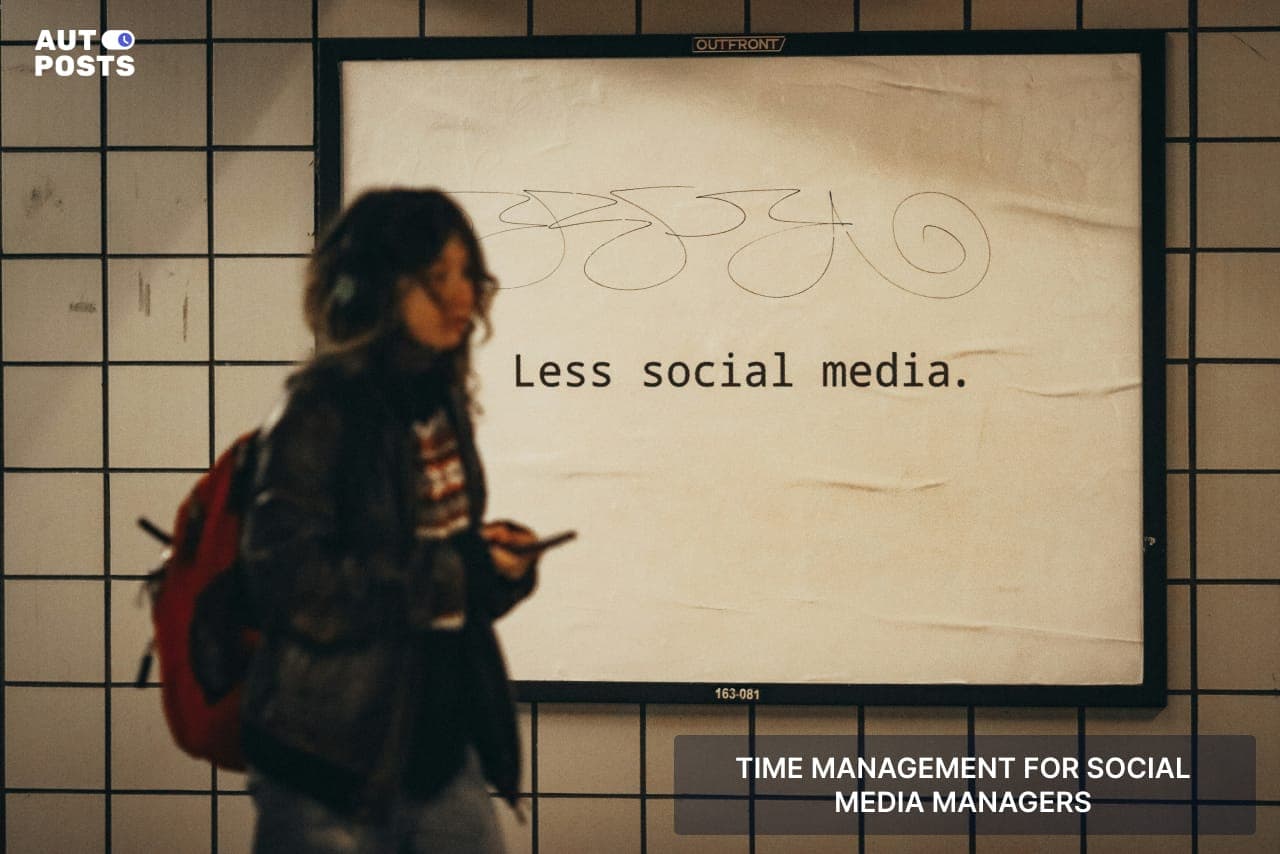
Minus time management from the life of social media managers, and they risk:
-
Burnout from constantly juggling tasks
-
Missed opportunities due to poor planning
-
Inconsistent content that affects engagement and growth
This isn’t just bad for mental health but also damages brand growth. Trying to manage everything manually wastes time and energy that could be spent on creativity and strategy.
So, how can social media managers stay on top of their game?
Simply put, they can manage time by batch-creating content, using modern AI tools, automating posts, and setting clear work priorities.
To help you understand these strategies in a detailed way, here’s a guide on five effective ways to manage your time as a SMM.
5 Effective Ways to Manage Your Time as A Social Media Manager:

As a social media manager, your top priorities are probably
-
Monitoring Trends
-
Content Creation
-
Driving Engagement
Although it seems as if social media managers are meant to be online 24/7, this guide will help you work out a better strategy.
Here’s how:
#1: Plan Posts and Content Beforehand:
For a social media manager, the epitome of time management is planning.
We understand this advice seems so repetitive but hear it from John Cena and his SM manager’s way of working:

I want to be a part of all these things (trends) but whenever we explore a new platform, the first piece of discussion is how much time it will take, because that’s the most valuable asset.
Plus, without a clear roadmap, it's easy to fall into the trap of last-minute posting, which leads to inconsistency and stress.
We recommend using:
Content Calendars:
Using tools like Google Sheets. You can create a content calendar outlining what to post, when, and on which platforms. This helps maintain consistency and ensures your content aligns with your marketing goals.
Batch Content Creation:
Set aside specific days to create multiple posts in one sitting. This saves time, keeps your messaging effective, and prevents the daily scramble for content ideas.
AutoPost.io:
Manual methods work and they are quite good.
But these methods consume a lot of time, and that’s where AutoPost.io can make things easier.
With AutoPost.io’s content planning feature, you can schedule posts in advance, organize content in a visual calendar, and get reminders for important dates, all in one place.
#2: Make a Monthly Schedule:
It’s unfair to recommend a “General Schedule” and assume everyone would be able to follow it.
The most important aspect of following a schedule is when you’re comfortable doing it.
Sam King, founder of Flick and a SM teacher, talks about scheduling tasks in his Beginner Guide to SMM:

Right after content calendars, you should be scheduling your content as the next thing on the list.
And while we were discussing tips from the experts, here’s our 4-way strategy to help you make schedules.
Time Blocking: Dedicate Specific Hours for Social Media Tasks
Instead of multitasking all day, set specific time blocks for different tasks.
For example, you could spend 9–10 AM creating content, 12–1 PM engaging with comments, and 3–4 PM analyzing performance.
Theme Days
A great way to structure your work is by assigning different themes to each day.
For example, Monday could be for brainstorming content ideas, Tuesday for designing graphics, Wednesday for writing captions, and so on. This method prevents you from feeling overwhelmed by doing everything at once.
Post at Peak Hours and Rest During Weak Hours:
Every social media manager knows that not all posting times are equal.
Start by analyzing your audience’s activity (using insights from Instagram, Facebook, or Twitter), you can identify the best times to post for maximum reach. Scheduling content during these peak times increases engagement and helps your content perform better.
When engagement is low, see it as an opportunity to step back and recharge instead of endlessly scrolling. There’s no need to waste time forcing engagement when your audience isn’t active.
Weekly Check-Ins: Review and Adjust Your Strategy
Set aside time once a week to review what’s working and what’s not. Look at your analytics to see which posts performed well, what type of content your audience responded to the most, and whether you need to adjust your strategy.
#3: Do More With Less:

As a social media analyst, your job is not to post on a hundred platforms but to drive engagement.
And that’s why the core focus should be driving 100 customers from a single platform instead of driving 1 customer from 100 different ones.
1. Know Your Audience and Be on the Right Platforms
Not every platform will benefit your business.
A fashion brand might thrive on Instagram and TikTok, while a B2B company will see better results on LinkedIn and Twitter.
That’s why you should understand where your target audience spends their time instead of wasting effort on channels that don’t align with your goals.
For example, if you run a fitness coaching business, posting long-form content on LinkedIn won’t bring much traction. Instead, Instagram Reels, TikTok videos, and YouTube Shorts would be far more effective at reaching clients who engage with visual, high-energy content.
2. Track Analytics to Optimize Performance
Once you know where to post, the next step is tracking performance.
Analytics help you know which posts drive engagement, what content format performs best, and the ideal posting times.
Now you could either manually analyze metrics across multiple platforms. Or do it with just one click and that’s where AutoPost.io comes in. Thanks to its built-in analytics tracking feature, you get an easy-to-read dashboard that shows your top-performing posts, audience behavior, and engagement trends.
#4: Recycle Content
Social media managers are human and we surely cannot come up with a hundred content ideas/month.
Instead of putting low-quality reels or carousels, try recycling content. Although it could sound a little confusing in the start, recycling content isn’t just about repeating your old posts.
SM managers can reuse content by:
Changing the captions
Reminding the audience about their earlier post
Show analytics and educate the audience by reposting a video/picture
The goal is to convey a newer message, using the same old posts.
But, is this even a method in social media management?
Yes. In fact, Recycle content is being used by many brands such as:
Social Media Examiner:
They repost identical promotional content multiple times within short intervals, ensuring maximum reach by targeting different audience segments throughout the day.
Sprout Social:
They extract key insights from long-form reports (e.g., Sprout Social Index™) and repurpose them into bite-sized social media posts, articles, and infographics.
MUD Jeans:
They repurpose behind-the-scenes videos and customer testimonials updates across multiple platforms to support brand messaging and maintain engagement.
#5: Quit Multitasking: One Thing at a Time!

The myth of doing multiple things at the same time would only damage your focus and content quality. That’s what the experts say.
As a social media manager, your top priority should be focusing on one platform, at a time.
Time blocking (Quick flashback,, #1 Posts Planning) works really well here. You can simply allocate time zones for each app and work accordingly.
However, another great method is by reducing distractions.
Social media managers are constantly bombarded with notifications, emails, and messages. Simply use a “do not disturb mode” when you’re working and use website blockers to avoid unnecessary browsing.
Or
If you’re still having a hard time maintaining that focus, AutoPost.io outperforms manual effort here too. With just some clicks, social media managers can:
-
Schedule posts in advance so they go live at the perfect time.
-
Auto-publish blog content to social platforms without extra effort.
-
Repeat key posts.
-
Bulk uploads multiple posts and schedules them all at once.
Wrap-Up: Our 2 Cents!
Summing it all up, we covered some solid ways to manage your time as a social media manager: such as planning ahead, making a custom schedule, tracking how well your posts do, using automation to post, repurposing old content, and focusing on one task at a time.
However, no matter how experienced you are, manual effort alone has its limits.
AI-powered tools are shaping the future of social media management, making workflows faster and more efficient. Ignoring them means losing the competitive race.
Good luck!