How To Streamline Content Creation For Multiple Clients 5 Hacks That Work!
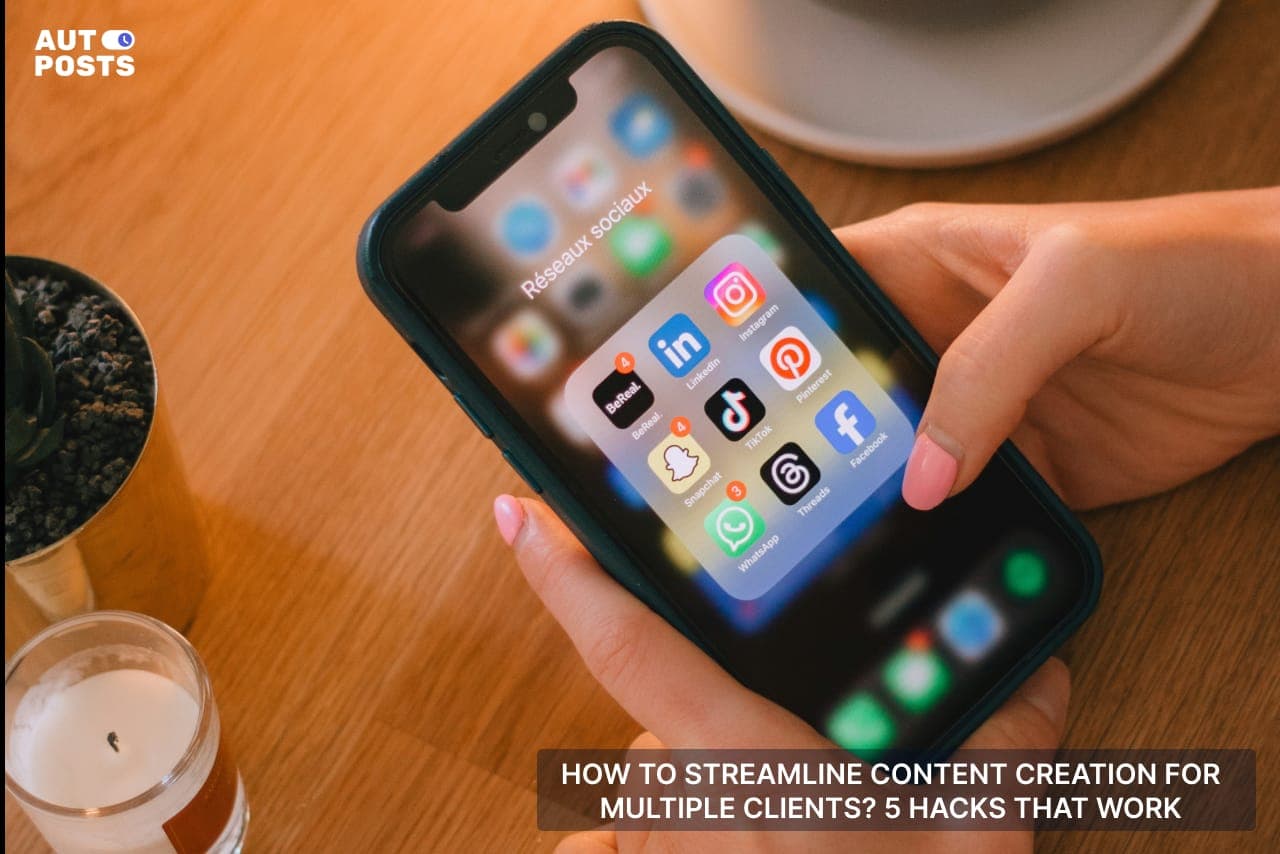
Social media managers have to juggle between dozens of tasks at a time.
Talk about making revisions, handling content feedback, brainstorming new ideas, managing client communication, handling brand engagement, and whatnot.
It's all happening out there, and the brain can only take so much before it burns out.
But what if we could provide you with some secret hacks for effectively juggling all those tasks? Hacks that won’t cost too much yet could make your life so much easier.
If you're a social media manager who has been struggling with handling multiple tasks, let us help you with our detailed guide on:
How To Streamline Content Creation For Multiple Clients? 5 Hacks That Work!

#1: Set Clear Client Expectations and Goals
Managing multiple clients without a clear strategy is a recipe for burnout.
Every brand has different goals, audiences, and expectations. And if you are not setting the right priorities, get ready to face:
-
Last minute changes
-
Unclear directions
-
Misaligned expectations
To avoid this, start every client relationship with a content strategy meeting. Ask key questions like:
-
What are your primary goals? (Brand awareness, engagement, conversions?)
-
Who is your target audience? (Demographics, interests, behaviors?)
-
What content formats work best for you? (Videos, infographics, memes?)
To simplify this process:
-
Use Google Forms to collect content preferences, brand guidelines, and goals in one place.
-
Set up a Calendly link for seamless scheduling of check-ins and approvals.
#2: Develop a Content Calendar to Manage Multiple Clients

Almost every social media manager likes to take the “No Calendar” approach and up with missing deadlines and inconsistent posting (more on it in #5).
However, marketers who document their content strategy are 313% more likely to report success.
So, why rely on scattered notes and last-minute planning? Here’s how you can build an effective multi-client content calendar.
-
Create a Master Calendar. Use Google Sheets, Notion, or Trello to map out each client’s posting schedule in one place.
-
Color Code by Client. Assign a distinct color to each client for easy tracking.
-
Define Content Categories. Break down posts into themes (educational, promotional, engagement-driven, etc.) to ensure variety.
-
Set Deadlines & Approval Stages. Mark content due dates, client review deadlines, and final posting dates.
Pro Tip: Batch plan content for 2-4 weeks ahead to avoid last-minute stress.
#3: Use Free Tools for Efficient Content Creation
Myth Busted: You don’t need expensive software for efficient content creation. There are plenty of free and low-cost tools that deliver professional results without the cost.
A study by Venngage found that 49% of marketers say visual content is the most effective type of content, yet many struggle with time and resources. The key is using tools that allow you to create branded, engaging posts quickly.
Some of the Best Free Tools for Graphic & Video Creation are
-
Canva: An all-in-one graphic design tool with templates for social media posts, carousels, and infographics.
-
CapCut: A free video editing app that makes it easy to create TikToks, Reels, and YouTube Shorts.
-
Adobe Express: Great for quick social media graphics with a professional look.
How to Speed Up Content Production Using These Tools
When designing content, make a simple “ If A, Then B, Then C, Repeat” Plan.
This would be more like:
“I will first use templates from Canva to come up with catchy graphics, then get stock images from platforms like Pixabay and come up with a final brand kit”
Done with a brand kit of one client? Now repeat the process.
Instead of starting from scratch, reuse design elements across multiple clients while customizing them for different brands. This method ensures consistency while cutting content creation time in half.
#4: Master Batch Creation & Scheduling to Save Time

Handling multiple clients means you can’t afford to create content daily. It’s inefficient and stressful.
Instead, top-performing social media managers use batch creation and scheduling to streamline their workflow. This method:
-
Saves time by reducing context-switching.
-
Ensures consistency across multiple platforms.
-
Minimizes creative burnout by keeping you focused on one task at a time.
How to Batch Content for Multiple Clients
-
Choose a “Content Creation Day”. Dedicate one or two days per month to brainstorming, designing, and writing captions.
-
Batch by Content Type. For example, create all Instagram Reels in one day and write blog captions in another.
-
Use a Content Calendar. A structured calendar helps you assign content slots without last-minute scrambling.
Best Scheduling Tools
-
Meta Business Suite: Free for scheduling Facebook & Instagram posts.
-
AutoPost.io: Great for scheduling posts across multiple social media accounts.
-
TweetDeck: Perfect for managing and scheduling tweets.
#5: Smartly Automate & Repurpose Content Across Platforms
According to HubSpot, 60% of marketers find that repurposed content generates more leads than original content.
Plus, creating fresh content for every platform is exhausting and unnecessary. The smartest social media managers know how to work smarter by automating repetitive tasks.
How to Repurpose One Piece of Content Effectively
Let’s say you create an Instagram Reel for a client:
-
Post it as a TikTok video (with slight tweaks for trends).
-
Extract key points and turn them into a LinkedIn post.
-
Take the video transcript and convert it into a Twitter/X thread.
-
Use key insights for an email newsletter.
This strategy ensures you maximize content reach without doubling your workload.
Now for the automation, here’s how you can automate your content and publish it across multiple platforms!
AutoPost.io: Your All-in-One Social Media Management Solution
AutoPost.io simplifies the process of automation by providing an integrated platform to schedule, publish, and analyze posts across various SM platforms.
Key features of AutoPost.io are:
-
Multi-Platform Scheduling: Plan and schedule posts across platforms like Facebook, Instagram, Twitter, LinkedIn, Telegram, VK, Odnoklassniki, and Pinterest from a single dashboard.
-
Customizable Content Creation: AutoPost.io offers tools to create and edit posts, allowing you to maintain a consistent brand image
-
Automated Publishing: Set up repeatable posts to engage your audience regularly. For instance, you can schedule a post to be published once a month for three months.
-
In-Depth Analytics: Monitor your social media performance with detailed statistics on follower growth, reach, and engagement.
#6: Monitor Performance and Continuously Improve Your Workflow
Creating and scheduling content is just one part of the equation. Measuring performance and refining your process is what ensures long-term success.
A data-driven approach helps social media managers identify what works, what doesn’t, and how to optimize future content.
In fact, brands that use analytics to refine their strategy are 2.5 times more likely to outperform competitors.
Tools That Can Track Performance for Free
-
Meta Business Suite (Facebook & Instagram) provides in-depth insights into engagement, demographics, and post reach.
-
Google Looker Studio (formerly Data Studio) connects data from multiple platforms, giving you an interactive dashboard for tracking performance.
-
LinkedIn Analytics helps evaluate post effectiveness, audience growth, and engagement trends for B2B clients.
Make it a habit to review monthly reports and adjust your content strategy accordingly.
You should know your top-performing posts and replicate their success while tweaking underperforming content. With time, this approach will help you create more impactful campaigns with less effort.
3 Time Management Hacks for Social Media Managers

Time management techniques are hard to master for social media managers. And with such heavy workloads, anyone could get burnt out within a month or two.
Here are three powerful strategies to help you work smarter, not harder.
1. Structure Your Day for Maximum Efficiency
Instead of jumping between tasks all day, create a daily workflow that keeps you focused. Have a work structure such as:
-
Morning (Planning & Engagement). Check emails, respond to client messages, and engage with comments.
-
Midday (Content Creation). Focus on writing captions, designing posts, and editing videos.
-
Afternoon (Scheduling & Strategy). Upload content, schedule posts, and review analytics.
2. Avoid Burnout While Managing Multiple Clients
It’s easy to overwork yourself, but burnout kills creativity. For that reason, don’t work outside of setting hours. Social media is 24/7, but you don’t have to be. Take breaks and step away from the screen to stay mentally fresh.
3. Use Time-Saving Techniques
When it comes to saving time, our personal favorite is the Pomodoro Technique, where you have to
Work For 25 Minutes
Rest For 5 Minutes
The cycle keeps your mind super fresh and keeps the workflow going. SMMs can also try Time Blocking. Where they dedicate specific hours to different tasks (e.g., 10 AM - 12 PM for content creation).
Wrap-Up:
Summing it up, SMMS can surely streamline their flow and there are dozens of online tools to assist them in the journey.
The question is, are they willing to learn the art of automation and change their working styles?
Despite so many online tools, many SMMs remain in the “Fear Loop” of what if AI automation would ruin their workflow.
Well, we’d argue to adopt it and test things out!
Good luck!